> For the complete documentation index, see [llms.txt](https://docs.appstoremanager.net/llms.txt). Markdown versions of documentation pages are available by appending `.md` to page URLs; this page is available as [Markdown](https://docs.appstoremanager.net/documents/edit-translate-and-upload/custom-product-pages.md).
# Custom Product Pages
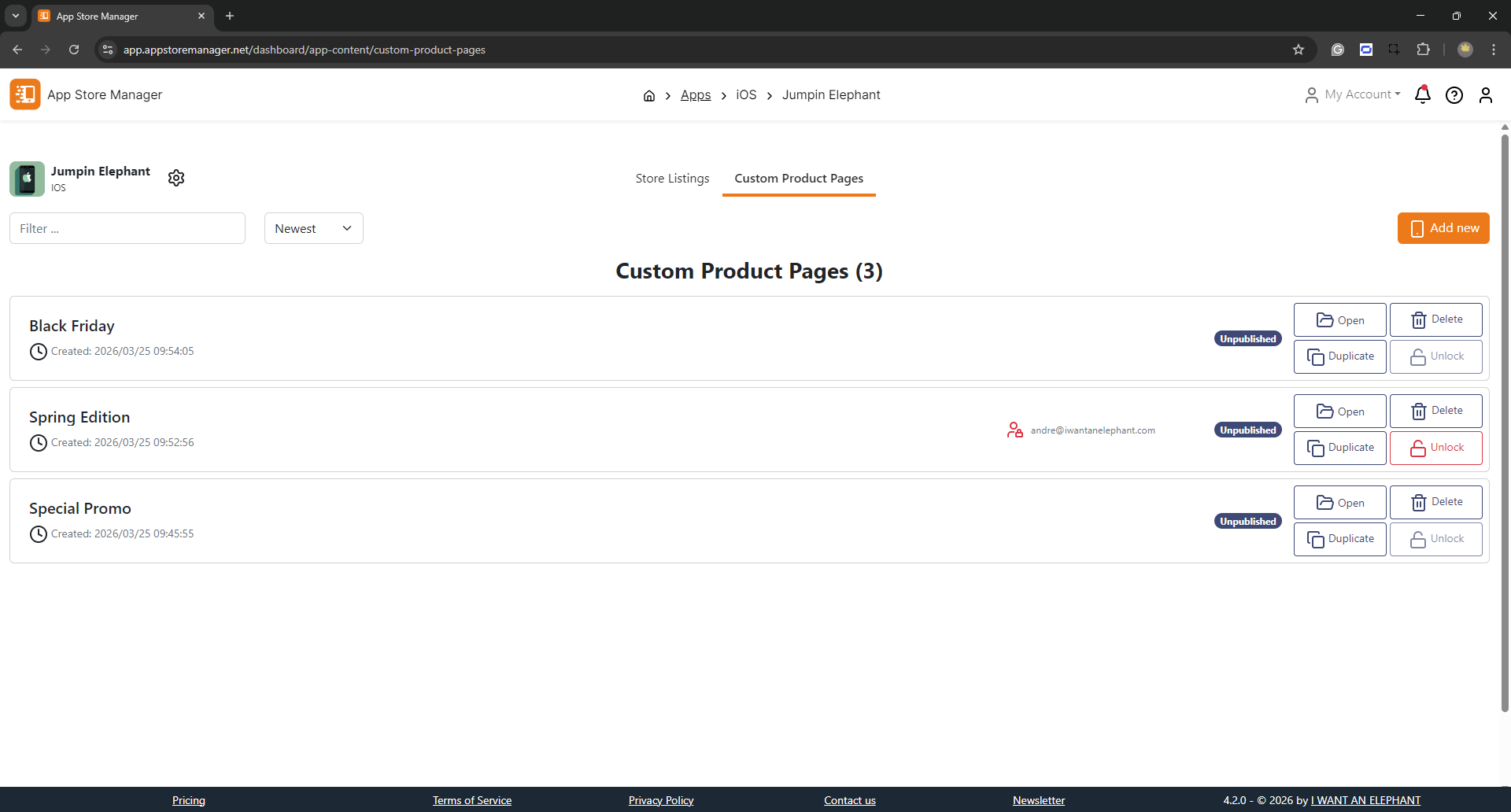
The App Store Manager empowers subscribers of the "Premium Plan" to effortlessly create, edit, upload, and publish Custom Product Pages (CPP) for their apps. With tailored options available, you can make your app stand out in a competitive marketplace.
This invaluable feature is exclusively designed for iOS apps and is conveniently positioned alongside the Store Listing feature, making it easy to access.
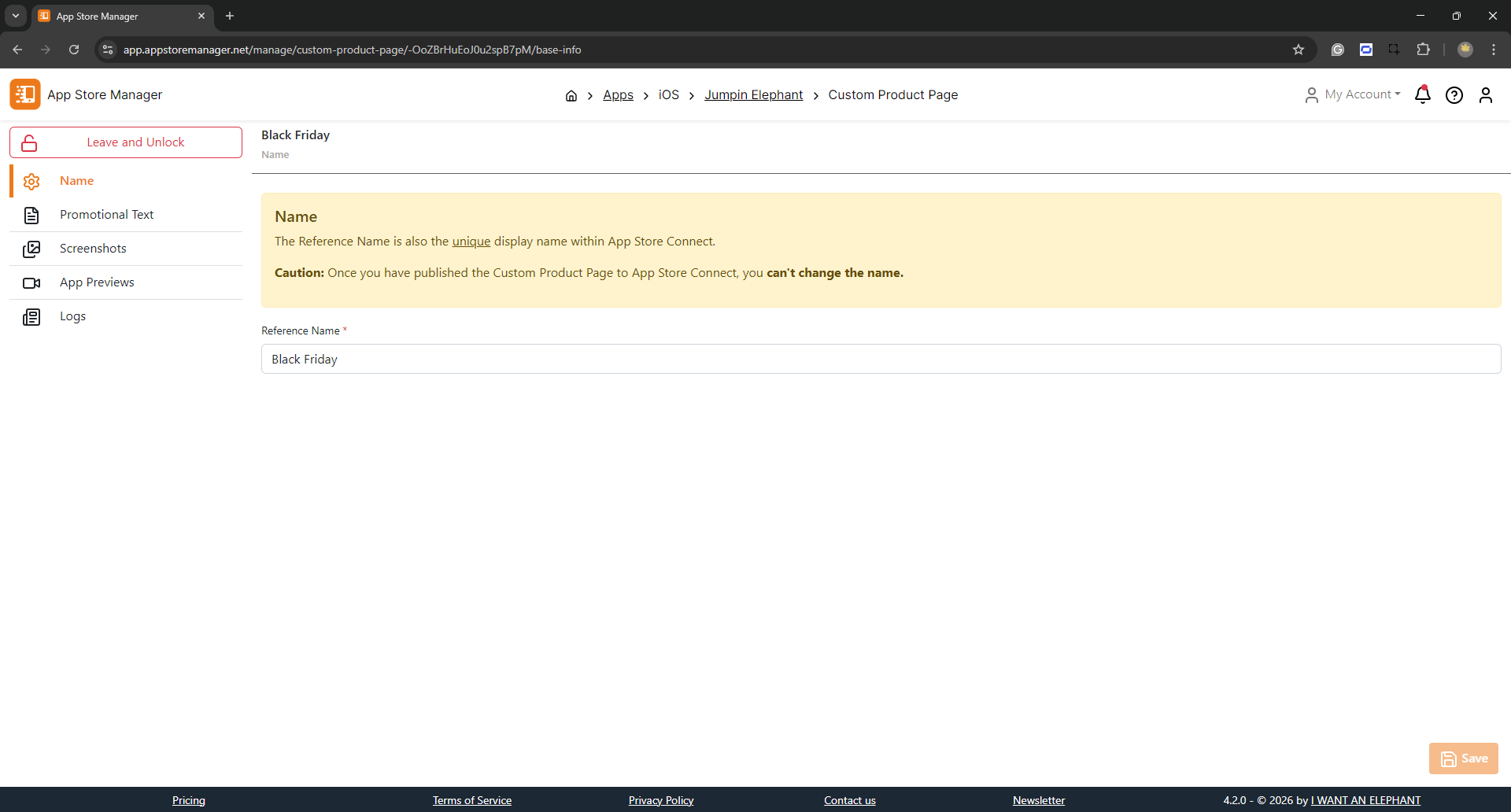
Create a new CPP without limits in App Store Manager; 64 are supported simultaneously in App Store Connect. Provide a name for the new CPP. It will be used as an identifier within App Store Connect, not visible to customers, and cannot be changed after creation.
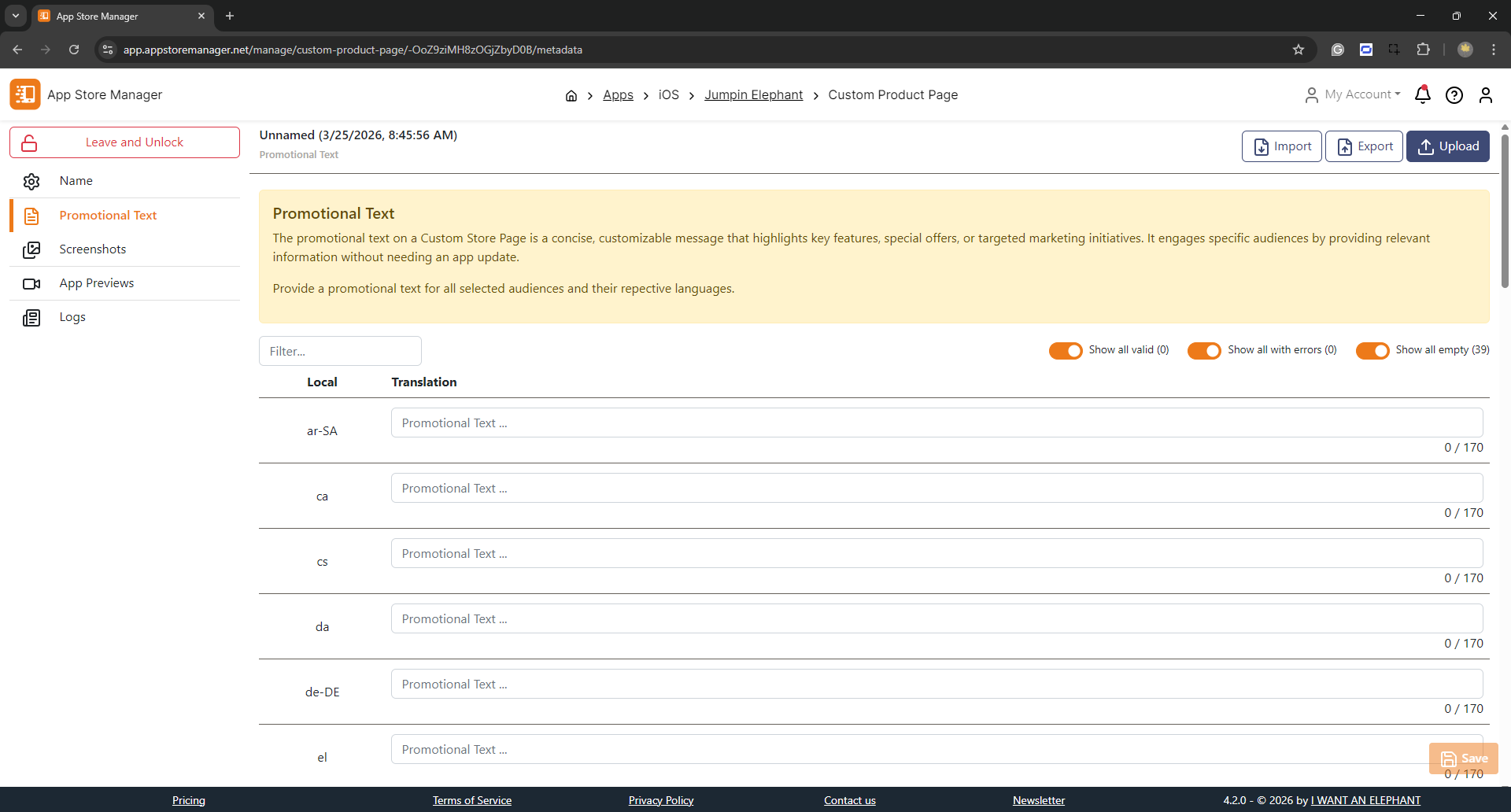
CPPs hold promotional text and screenshots. Promotional Texts can be imported and exported (JSON and XLSX file formats) to App Store Manager. Use the file templates to provide your texts.
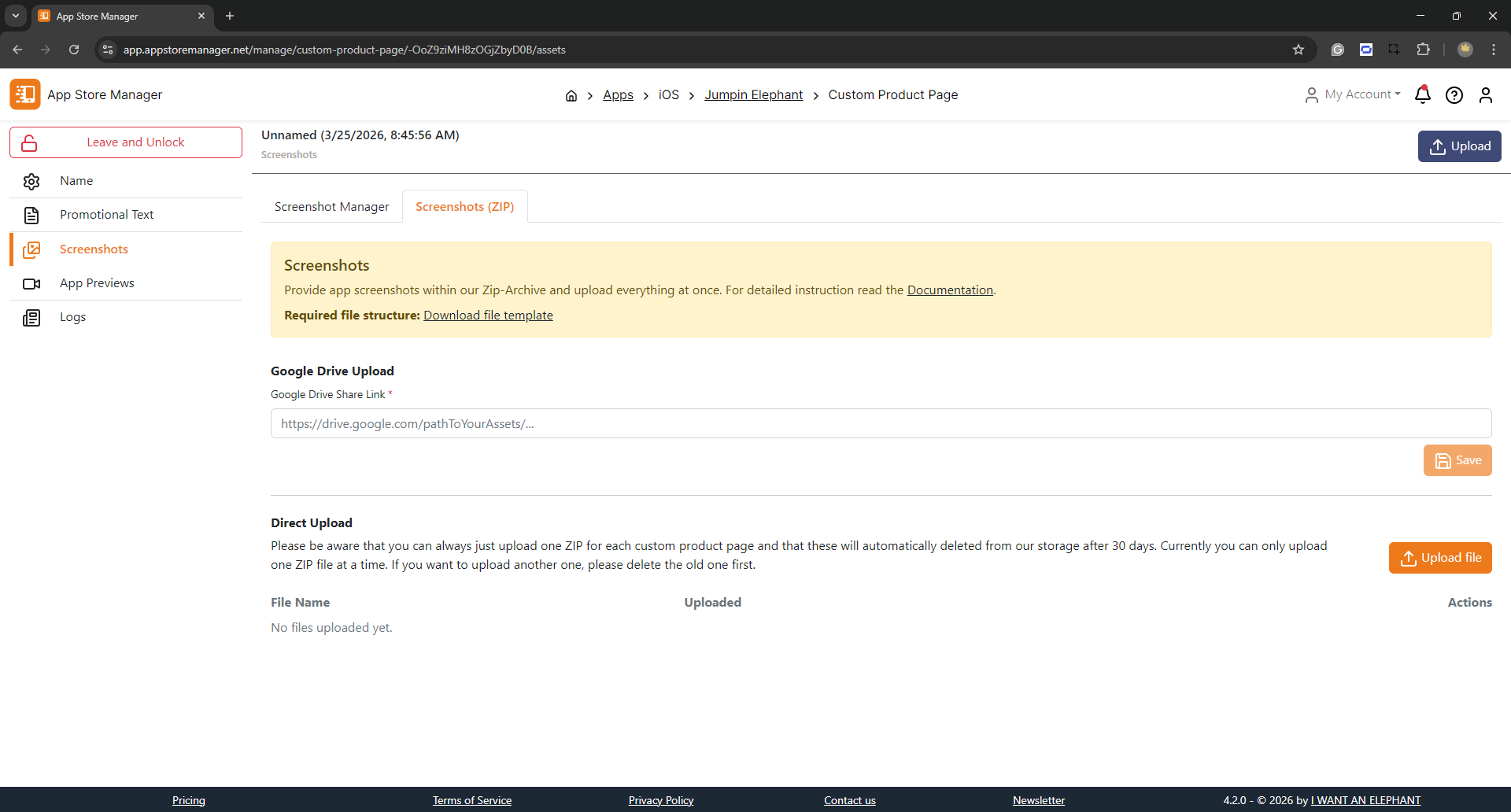
The screenshot upload allows bulk uploading of images to the CPP. The screenshot functionality is the same as for the Store Listings — including the choice between **Replace All** and **Selective** upload modes. Find more information [here](/documents/edit-translate-and-upload/screenshot-and-asset-upload.md).
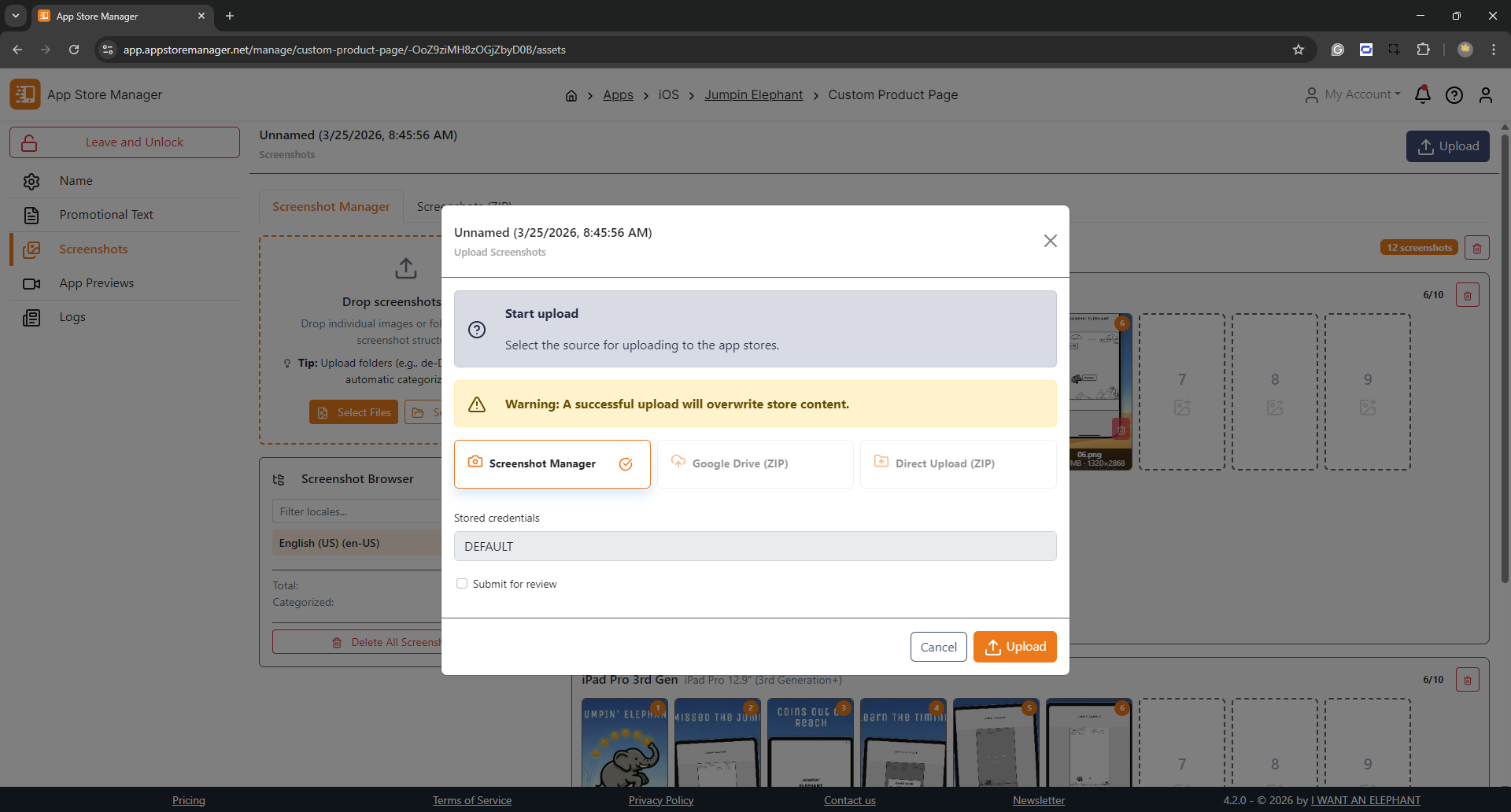
Once the preparation of a Custom Product Page is ready, everything can be uploaded to App Store Connect. The distribution requires uploading metadata and screenshots. To publish the CPP select the respective check box. The CPP will be sent directly for review.